Motivation
I recently gave my AI agent the ability to interact (i.e. read, scroll, click, type, etc.) with websites. When I first saw it autonomously browsing the web to complete its tasks, I got a feeling similar to when ChatGPT first came out, or when I first heard a NotebookLM podcast. It really looks like an intelligent system behaving in a human-like way.
Agentic browser use is basically very multi-purpose API. Any task that I do manually in my web browser could now potentially be delegated to an agent to handle in the background.
Setup
I'm using Claude Code with the Playwright MCP server.
- To set up Playwright MCP, you need to have the
npxcommand from annpminstall. - Claude gets access to the with:
claude mcp add playwright npx @playwright/mcp@latest(this is scoped to the current project/folder). - MCP access can be verified with
claude mcp list- it should say "Confirmed". - Now you can literally just tell Claude to use Playwright and it should open up a new browser and interact with it.
Demo
NotebookLM can be quite a useful tool in my day-to-day, so why not get Claude to use it for me.
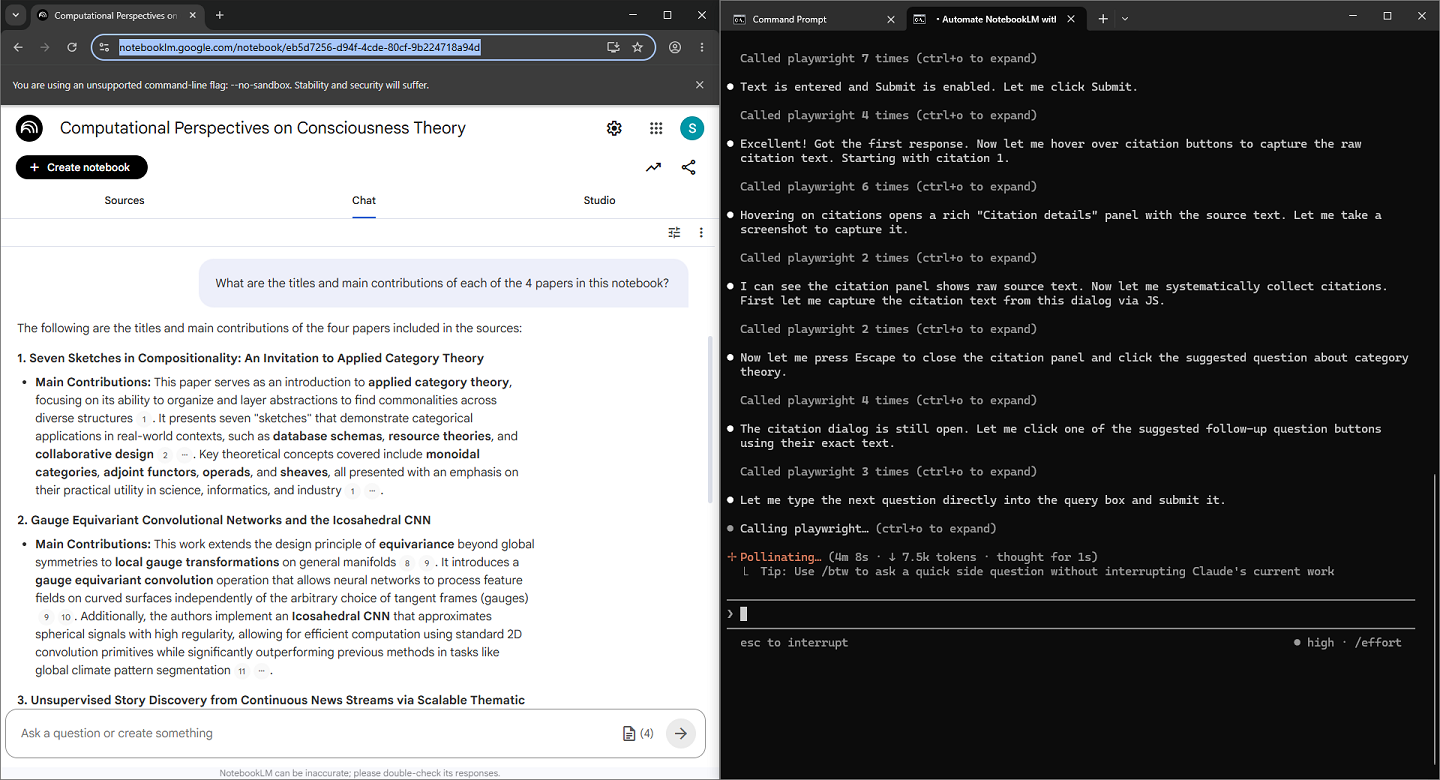
The results weren't perfect the first time (although I'd asked it to extract all raw quotes, the output was incomplete). But I've used it since this demo and have some better instructions that coax it to work in a more reliable way.
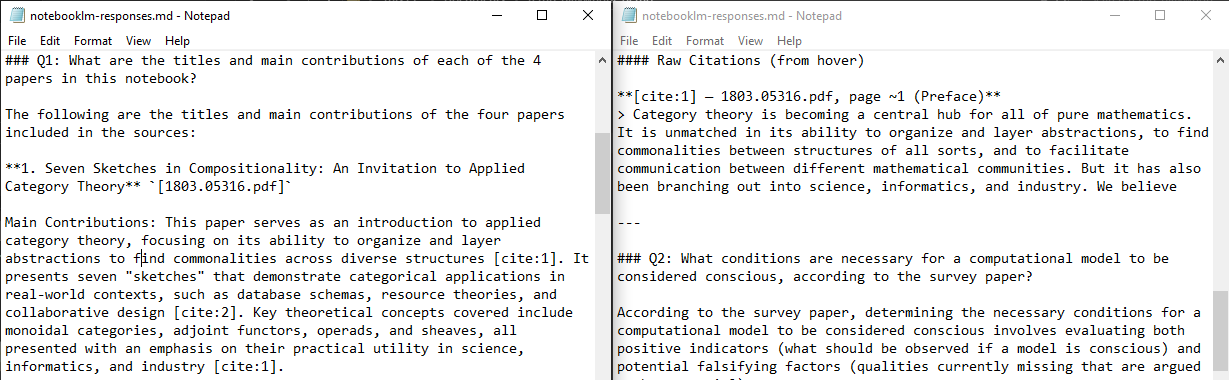
In fact, we get improvement for free by asking the agent to document its learnings (about interacting with NotebookLM via Playwright). It will take a note that we can feed back in as context to kickstart the next run:
## Page Structure

The main notebook page has three tabs accessible via `[role="tab"]`:

| Tab | Purpose |
|-----|---------|
| **Sources** | Manage uploaded documents; add new sources |
| **Chat** | Ask questions; get AI-grounded answers with citations |
| **Studio** | Generate audio/video overviews, notes |

The notebook title is an editable `textbox` in the top bar. NotebookLM **auto-generates a title** from the uploaded sources within a few seconds of upload.

---

## Creating a New Notebook

**Via the homepage (`/`):**

~~~js
// Click "Create new" button
await page.locator('button[aria-label*="Create new"]').first().click();
// Redirects to: /notebook/<new-uuid>?addSource=true
// The "Add sources" dialog opens automatically
~~~

The new notebook URL format: `/notebook/<uuid>?addSource=true`
...
What else?
There's a whole pile of other use cases that I want to try with this workflow when I get the chance, including:
- browse and aggregate news and other content
- act as a virtual DJ by controlling Spotify on the web
- play a browser-based game like 2048, Cookie Clicker or GeoGuessr
- run frontend UX tests and report back to a coding agent
I think fundamentally the benefit here comes from the ability to bootstrap a programmatic API with web automation.